- Connecting in Mercura
How the connection works
Setup in Salesforce
Permissions of the integration user
Configuring the data flows
Customers and Contacts
Requests from Salesforce
Status to Salesforce and cancel from Salesforce
Quote to Salesforce
Opportunities for other requests
Orders from Salesforce
Activity and errors
Notes and limits
Getting started
Connecting in Mercura
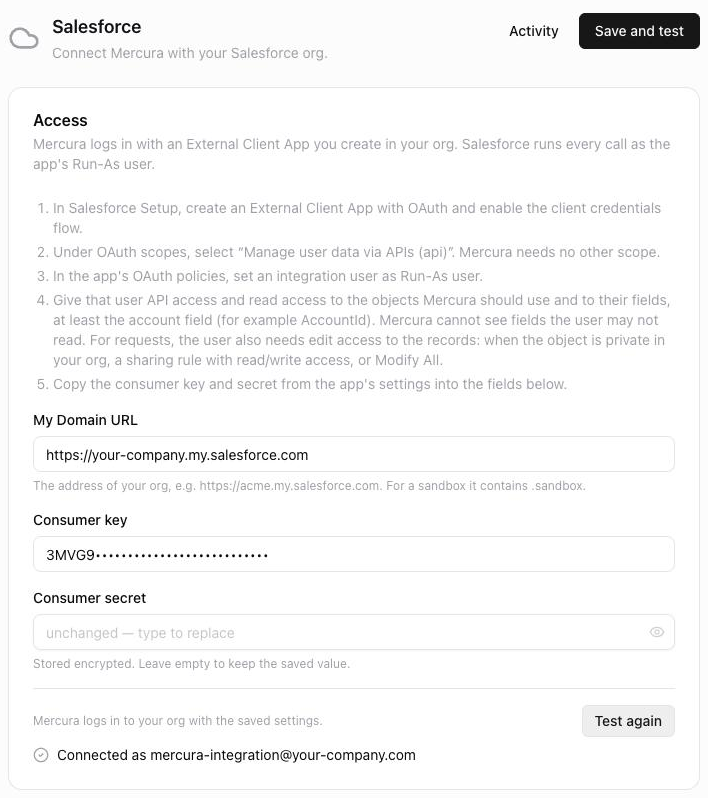
In Mercura, open Settings → Integrations → Salesforce. Under Access, enter your org's My Domain URL, the consumer key and the consumer secret, then click Save and test. Mercura signs in and, on success, shows "Connected as …" with the Run-As user. Leaving the secret field empty keeps the stored value when you save again.